Your bookkeeping fits in your pocket
Photograph receipts, approve invoices, bill customers and log working hours on your phone. The tulos.ai mobile app uses the same workspace as the browser version.
Included in the service at no extra cost
Receipts and purchase invoices
Snap a receipt, the app reads the details
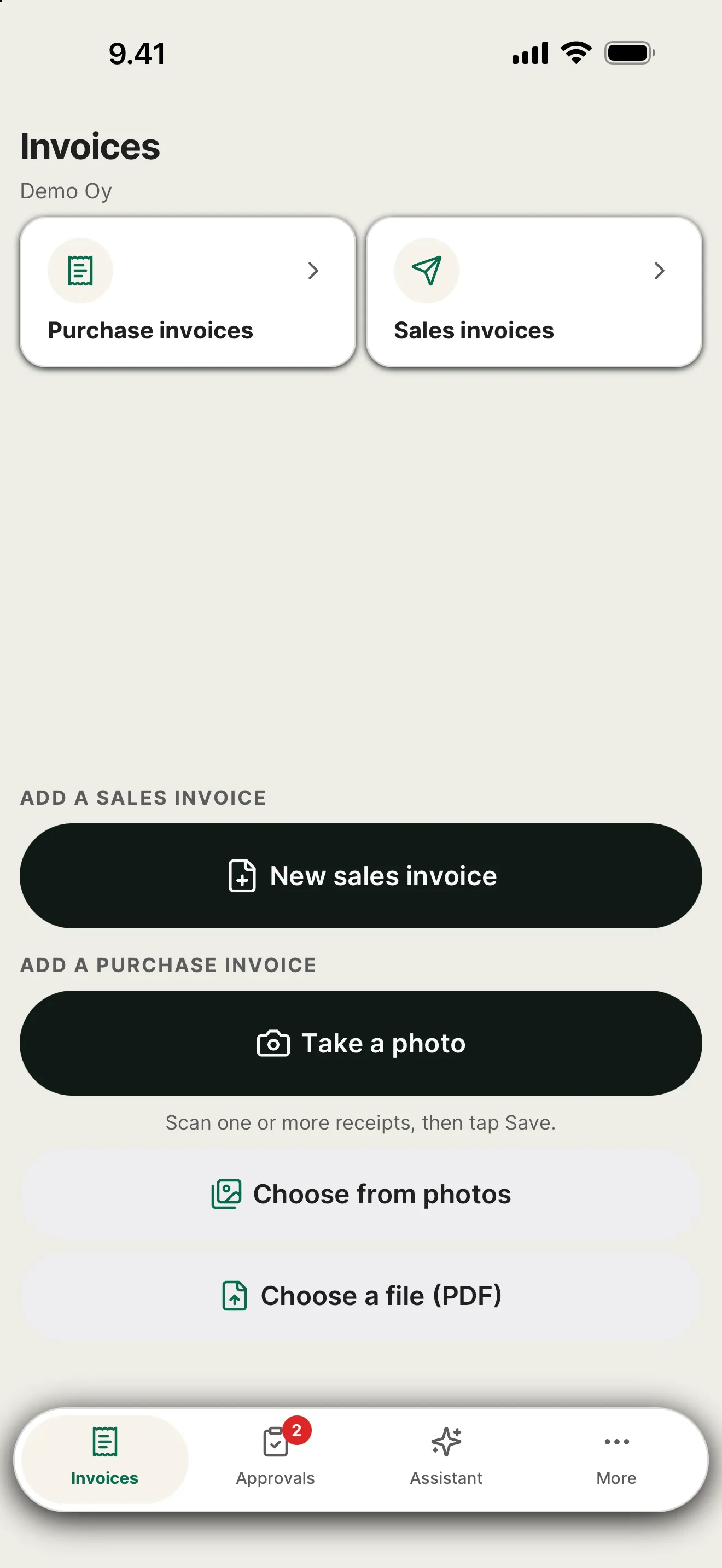
Take a photo of a receipt or pick a PDF. The app reads the details for you, you check them and save the invoice as a draft. The assistant writes the entry description.
- Photograph one or several receipts at once, or pick a PDF
- The assistant writes the entry description
- The missing receipts view shows which expenses still lack a document
- Received e-invoices become purchase invoices right in the app
Approvals
Approve invoices and hours on the go
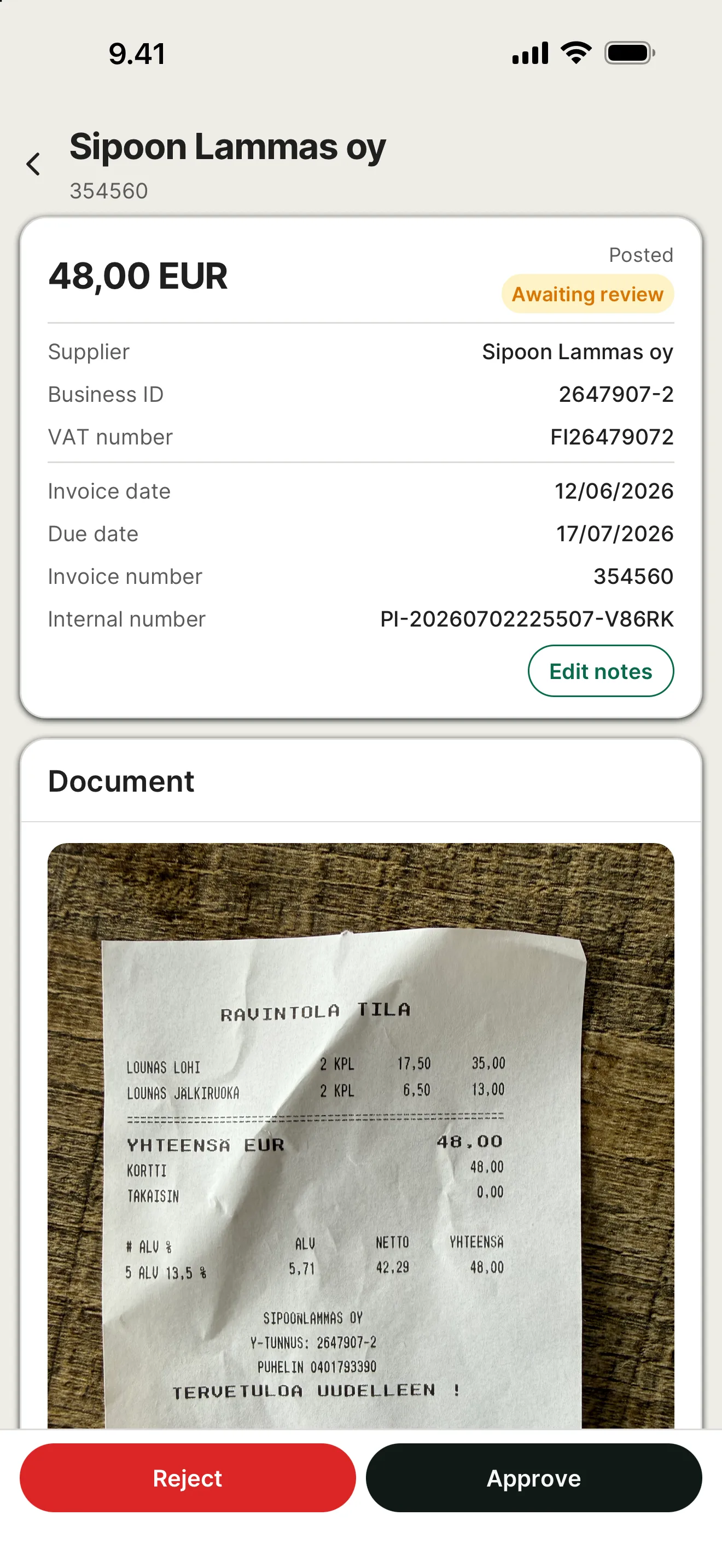
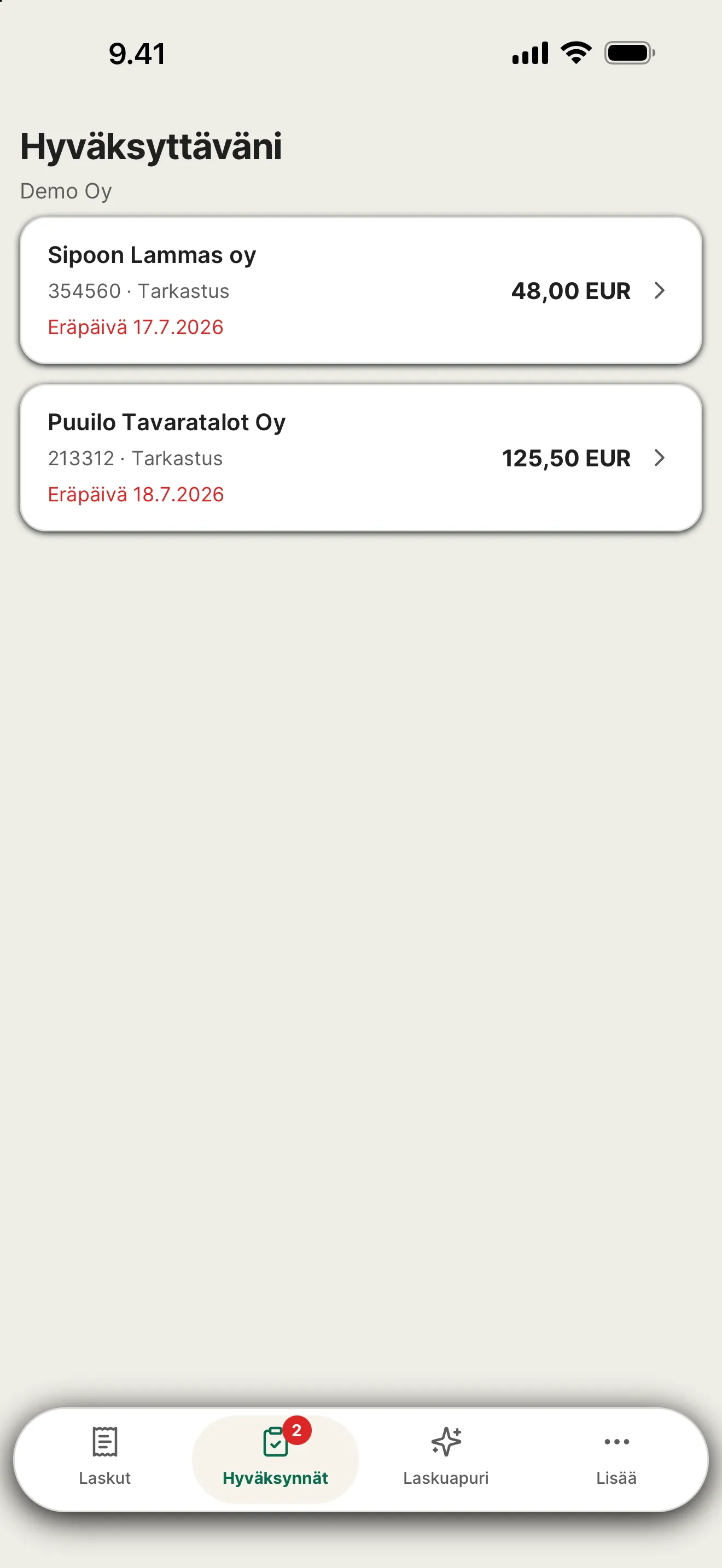
Purchase invoices waiting for your approval have their own queue. Approve or reject an invoice with one tap. In the same view you also approve your employees' working hours.
- Push notification when something is waiting for your approval
- The reason for a rejection is always saved as a comment
- Purchase invoices and working hours in the same queue
Sales invoices and invoice assistant
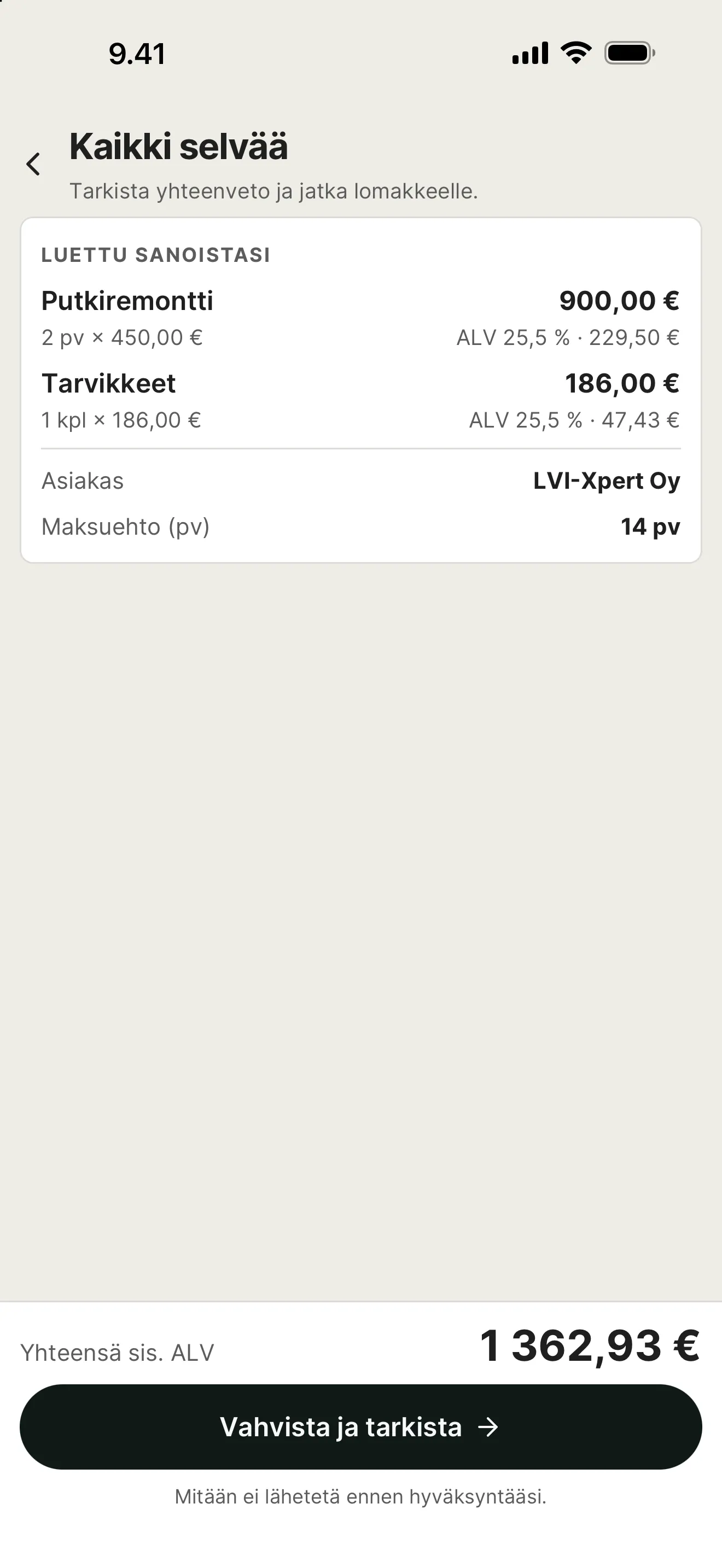
Say what you're billing. The assistant writes the invoice
Type or say what you want to bill. The invoice assistant creates a draft, asks only about anything unclear and opens the invoice ready to send.
- Send the invoice by email or as an e-invoice
- Open the invoice as a PDF
- Create and edit invoices, customers and products
Working hours and payroll
Working hours and payroll in the same app
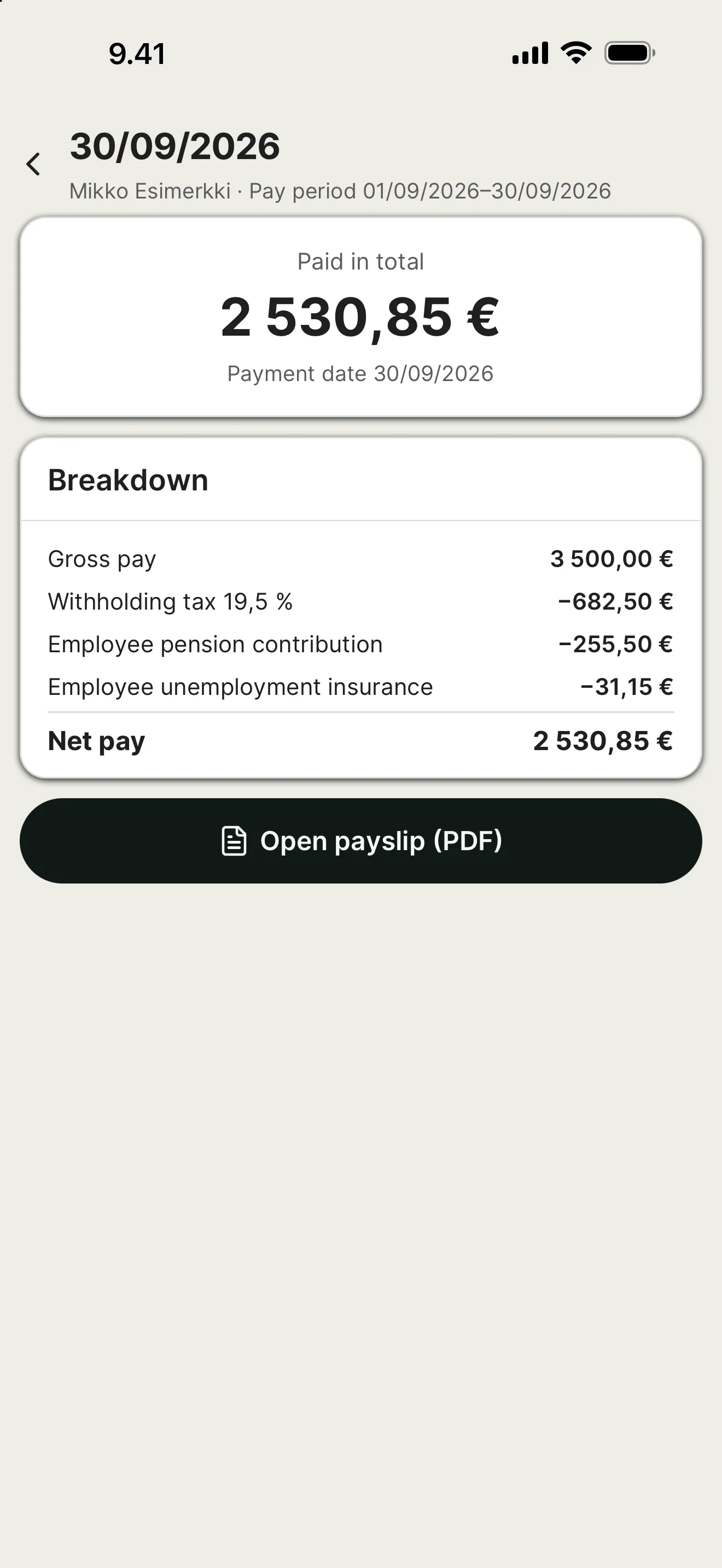
Employees log their hours day by day and mark absences on their phone. You see pay runs and their details in the same app.
- Hours are logged per day
- Absences are marked in the same place
- Pay runs and payslip breakdowns
All features
What you can do with the app
Sign-in and company switching
Sign in with your tulos.ai credentials and choose which company you're working on.
Receipts and purchase invoices
Photograph a receipt or pick a PDF. The app reads the details, you check and save.
Missing receipts
See which expenses still lack a document and add it right away.
Received e-invoices
E-invoices from your suppliers in their own inbox.
Approvals
Approve or reject purchase invoices and employees' working hours.
Sales invoices
Invoices, customers and products. Send by email, as an e-invoice or as a PDF.
Invoice assistant
Type or say what you're billing and get an invoice ready to send.
Working hours
Employees log hours daily and mark absences.
Payroll
Pay runs and their details always at hand.
Notifications
Push notifications, for example when something is waiting for your approval.
Savings calculator
How much time and money do paper receipts cost you?
See how much you save when receipts are photographed in the app right after the purchase instead of being collected, scanned and keyed in by hand.
Paper receipts today
- Time spent / month
- 1 h 20 min
- Cost / month
- €80
- Cost / year
- €960
Savings with the tulos.ai app
- Time saved / month
- 1 h 0 min
- Money saved / month
- €60
- Money saved / year
- €720
This is a rough estimate. By default, handling a paper receipt takes about 8 minutes (storing, scanning or delivering, entering the details and reconciling) and about 2 minutes with the app (photographing and checking the details). Working time is priced at €60/h and covers the time both the employee and the accountant spend per receipt. Lost receipts can also mean lost VAT deductions. The mobile app is included in the tulos.ai subscription at no extra cost.
Mobile app FAQ
Does the mobile app cost extra?
No. The mobile app is included in the tulos.ai service at no extra cost. You sign in with the same credentials as in the browser version.
Does the app work on Android phones?
Yes. You can download the Android app from Google Play and the iPhone app from the App Store.
Can I manage several companies with the same app?
Yes. After signing in you choose which company you're working on, and you can switch companies at any time.
Do changes made in the app show up in the browser version?
Yes. The app uses the same workspace as the browser version, so receipts, invoices, approvals and working hours appear in both right away.
Take your bookkeeping with you
The mobile app is included in the tulos.ai service. Startti, Kasvu and Pro have a €0 monthly fee for the first 3 months, usage fees per the price list. Sign in to the app with the same credentials.